
For UK property portals, prioritise a hero exterior render, one or two photoreal interiors, and a clean 3D floor plan, then add a 360 tour if the portal supports embeds. That combination covers thumbnail, gallery and detail views without wasting budget on assets nobody clicks. The next move is simple: write a short brief naming your views, portal placements and delivery deadline before you ring a single CGI supplier.
TL;DR:
- Exterior hero renders should be prioritized as they generate the initial click from search results and are used as thumbnails.
- Interior renders effectively convert browsers into inquiries by showcasing main living spaces like kitchens and living rooms.
- 3D floor plans are highly viewed assets that help resolve doubts about space and furniture fit, often ranking second after photos.
- Virtual tours work best for off-plan or new-build properties where interior images are unavailable and must support portal embedding options.
- Budgeting should focus first on exterior and interior visuals, followed by the floor plan, with optional tours only if budget and portal features permit.
Table of Contents
- Which CGI assets perform best on property portals and why
- Planning CGI versus sales and marketing CGI: what to commission for portals
- How to brief and vet a CGI supplier for portal-ready assets
- Formats, technical specs and portal compatibility
- Budgeting: typical cost considerations and where to prioritise spend
- Why Visual Trick is a practical supplier for portal-ready CGI
- What the conventional advice on CGI gets wrong
- Request a portal-ready CGI package from Visual Trick
- Sources
- FAQ
Which CGI assets perform best on property portals and why
Portals reward specific asset types because each one answers a different question a buyer is asking. An exterior hero render earns the click from the search results page. An interior render proves the space is liveable once someone is already inside the listing. A 3D floor plan settles the “will my furniture fit” doubt that stalls enquiries. A 360 virtual tour keeps a serious buyer on the page longer, which portals tend to reward with better placement in their own ranking logic.
Here’s how each asset typically maps onto a portal listing:
- Exterior hero render — the primary thumbnail and top gallery image, doing the heavy lifting for click-through.
- Interior renders (kitchen, living space) — mid-gallery images that convert browsing into enquiries.
- 3D floor plan — sits in its own tab on most major portals, often the second most viewed asset after photos.
- 360 virtual tour — embedded via a dedicated tour link or iframe, useful for off-plan and new-build listings where there’s no real interior to photograph yet.
- Aerial photomontage — strongest for larger sites, showing context, access roads and neighbouring plots.
- Housetype configurator or flythrough — used on developer landing pages more than individual portal listings, but valuable for sales suite conversations.
The distinction between group assets and site-specific assets matters more than most developers realise. A housetype library, built once and reused across every plot of that type, delivers value on every future site using the same design, according to EyeSiteView’s analysis of CGI value for property marketing. Site-specific renders, like an aerial photomontage showing the actual context of one plot, only ever serve that single listing.
Planning CGI versus sales and marketing CGI: what to commission for portals
These are two different briefs with two different acceptance criteria, and confusing them is the single most common commissioning mistake. Planning CGI exists to satisfy a planning officer or committee. It needs to match the submitted drawings exactly, show verified sightlines, and often carries a formal verification stamp. Sales CGI exists to make someone want to live there, so it allows more creative licence on staging, lighting and lifestyle framing.
Key differences to brief for:
- Drawing fidelity — planning visuals must trace approved plans precisely; marketing visuals can adjust dressing and camera angle for appeal.
- Material accuracy — planning CGI needs a material schedule matched to what’s actually specified; marketing CGI has more room to interpret finishes.
- Verified views — planning applications often require a verified photomontage taken from a fixed, surveyed viewpoint; portal marketing images don’t need this constraint.
- Planting and landscaping — planning visuals show realistic, age-appropriate planting; marketing visuals can show landscaping at maturity to sell the vision.
The practical risk is a mismatch between your marketing CGI and the eventual photography once the building is complete. If the render shows a mature garden and glossy joinery that the finished product can’t match, expect complaints and refund requests once buyers walk the actual show home.
How to brief and vet a CGI supplier for portal-ready assets
A good brief does most of the vetting work for you, because a supplier’s response to a tight brief tells you how they’ll handle the project. Start with what you need to hand over, then work through what you need back.
- Gather your inputs first: architectural drawings, a material schedule, site photography or context shots, and a shortlist of which portals the assets need to reach.
- Write the view list: name every angle you want (front elevation, rear garden, kitchen, master bedroom) rather than leaving it to interpretation.
- State the portal placements: tell the supplier which image goes in the thumbnail slot, which goes in the gallery, and whether you need a floor plan file or a tour embed.
- Set delivery milestones: a concept stage, a mid-project review, and a final delivery date, each with a named format.
- Ask for a wire-to-final breakdown in the quote: this shows you exactly what stage of work each cost line covers, which Photoplan’s guide to briefing UK CGI companies flags as a basic trust signal any serious supplier should offer without being asked.
- Request samples from a similar typology: a supplier who has rendered terraced houses before will handle your terraced scheme faster and more accurately than one whose portfolio is all penthouses.
- Confirm the revision cap in writing: two or three rounds is standard; unlimited revisions on a fixed quote is a red flag, not a bonus.
Pro Tip: Ask to see one project’s raw wireframe stage alongside its final render. Suppliers who show you the unglamorous middle of the process are usually the ones with a repeatable workflow, not just a good portfolio.
Watch for portfolio “fireworks” with zero process detail, vague answers about file exports, and no mention of acceptance criteria for what counts as a finished, deliverable image. That combination, as Photoplan’s guide notes, tends to precede missed deadlines rather than follow them.
Formats, technical specs and portal compatibility
Getting the file right matters as much as getting the render right, because a beautiful image that a portal rejects or slows the page down helps nobody. Stills typically go out as JPEG or PNG, though WebP is increasingly the smarter choice for page speed once the image is live on your own site, a point echoed in Michael Bell’s practical guide to showcasing properties online. Short animated clips generally export as MP4 using H.264 encoding, which almost every UK portal and social platform accepts without conversion.
A few checks worth running before you commission anything:
- Confirm each portal’s maximum file size and accepted image dimensions before the supplier renders final exports.
- Check whether the portal supports iframe or embed links for third-party tour platforms, since not every listing template does.
- Ask your supplier to deliver resolutions matched to actual use: a smaller crop for thumbnails, a full-resolution version for the gallery.
- Add captions and structured data hints, such as RealEstateListing schema, where your own site (not the portal) controls the markup.
How your assets reach the portal in the first place depends on the portal’s underlying build. A branded agency site, a multi-agency marketplace, and a white-label platform each handle feed ingestion differently, and getting that architecture wrong forces expensive rework later, so it’s worth confirming the ingestion route (direct upload, API feed or manual embed) before final files are cut.
Budgeting: typical cost considerations and where to prioritise spend
Cost on a CGI project moves with a handful of clear levers: how complex the model is, how many views you need, the level of finish requested, how many revision rounds you use, and whether you’re adding animation or aerial work on top of stills.
For a portal-first campaign, spend in this order:
- Exterior hero render first, since it drives the click from search results.
- One or two interior views second, to convert that click into an enquiry.
- A 3D floor plan third, given how heavily buyers use the floor plan tab once they’re interested.
- A 360 tour or animated flythrough last, added only if the specific portal supports the embed and the campaign budget stretches to it.
Phasing the commission this way, rather than everything at once, also spreads cost across launch, mid-campaign refresh and any later phase releases on the same site.
Why Visual Trick is a practical supplier for portal-ready CGI
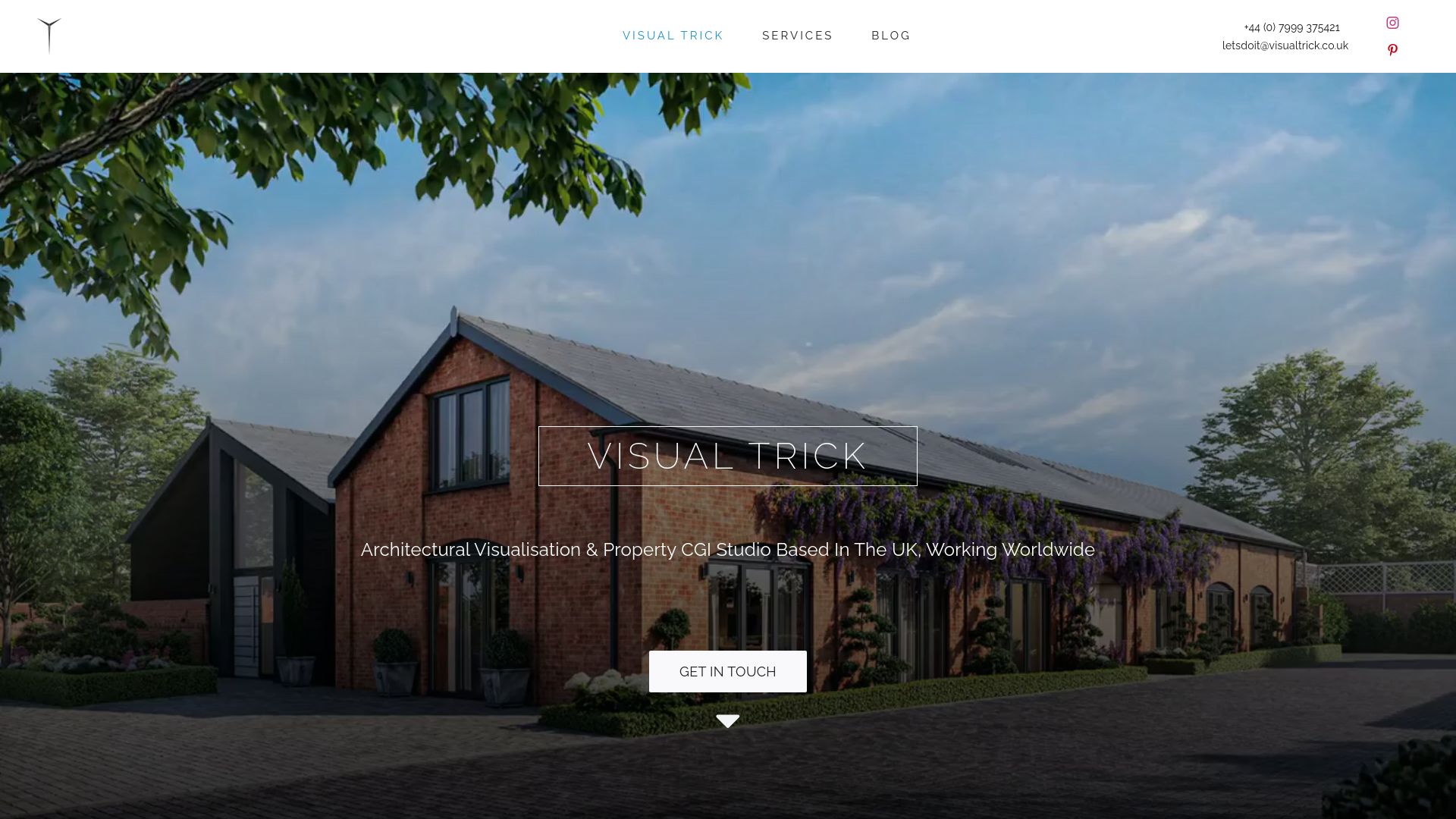
Visual Trick produces all its work in-house, covering exterior and interior CGI, planning visuals and marketing renders delivered as export-ready files for listings and campaigns. That in-house model matters for portal work specifically: predictable deadlines and exports tailored to your named placements, rather than a queue shared across multiple subcontractors. The full services list covers everything from 3D floor plans to virtual tours, which means one supplier can carry a project from planning stage through to final portal listing.
What the conventional advice on CGI gets wrong
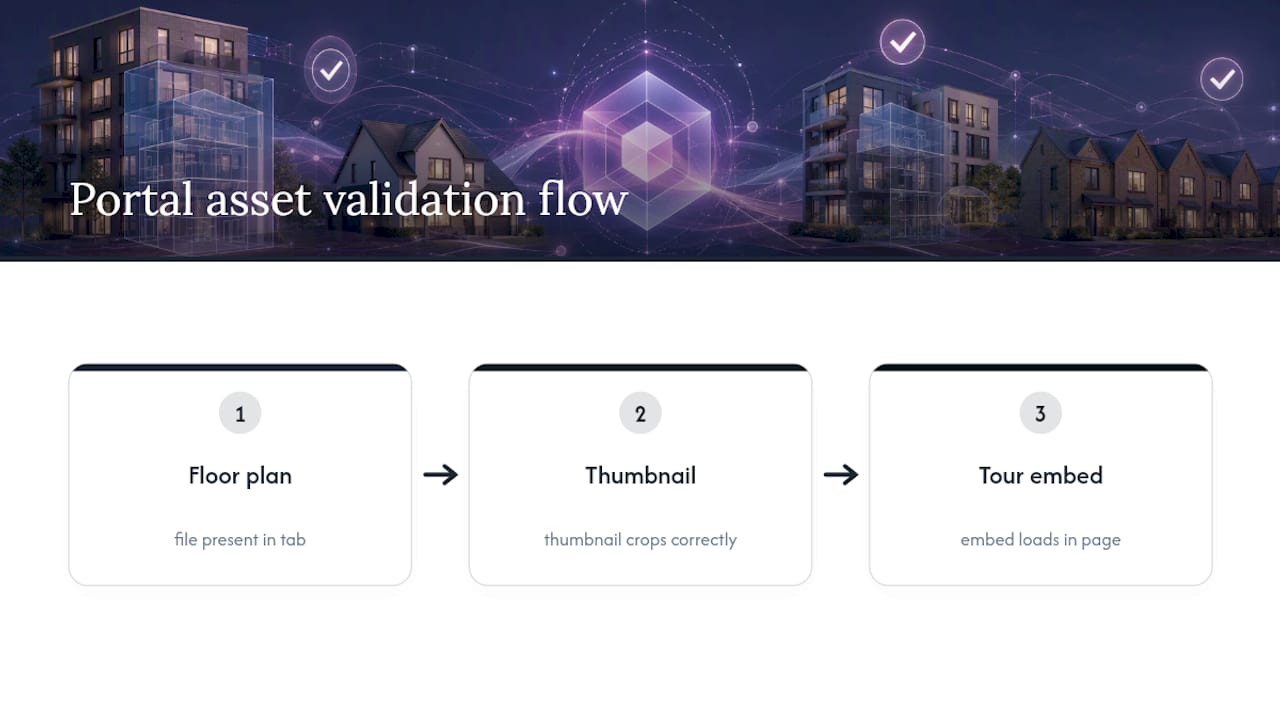
Most guidance on property CGI still treats it as a portfolio exercise, judging suppliers on how beautiful their showreel looks rather than how reliably they deliver a named file to a named deadline. That’s backwards for portal work. A portal listing lives or dies on whether the floor plan tab has a file in it, whether the thumbnail crops correctly, and whether the tour embed actually loads, not on whether the render could win an award.
The overlooked point is that CGI for a portal is closer to a manufacturing spec than an art commission. You’re producing assets that slot into fixed template positions with fixed technical constraints, and the supplier who understands that discipline will usually outperform the one chasing visual flair. Developers who commission housetype libraries once and reuse them across sites consistently get more value than those treating every plot as a bespoke creative brief, and that reuse logic should shape budget decisions from the first conversation with a supplier, not as an afterthought once costs start climbing.
Prioritise the brief over the portfolio. A supplier who asks precise questions about your view list and delivery format is telling you more about how the project will go than any showreel can.
— Paride
Request a portal-ready CGI package from Visual Trick
A CGI supplier working as a single in-house team can avoid handoffs between subcontractors and minimize surprises on delivery dates. A typical portal-ready package covers an exterior hero render, interior views, a 3D floor plan and, where the campaign calls for it, a virtual tour, all exported to the formats and dimensions that portals accept.
If you’re weighing up options for an upcoming listing or launch, the fastest next step is to send over your drawings and view list and ask for a quote against the full range of CGI and visualisation services. Ready to see the exterior work up close first? Browse exterior CGI examples before you brief your next project.
Sources
FAQ
What is CGI in property?
CGI in property means computer-generated imagery used to show a building, interior or development before it exists, or to present it more effectively once it does. It covers exterior renders, interior scenes, 3D floor plans, aerial photomontage and virtual tours, used for both planning applications and sales marketing.
What is the most popular property portal in the UK?
Rightmove and Zoopla remain the two dominant property portals in the UK, with most estate agents and developers listing on both to maximise reach. Each has its own template requirements for images, floor plans and tour embeds, so it’s worth confirming file specs with each portal before final CGI delivery.
Why are houses not selling at the moment?
Slow sales usually come down to a mix of pricing, local market conditions and how well a listing presents the property online, rather than any single cause. Weak or missing visuals, especially for off-plan or unfinished properties, make it harder for buyers to picture the finished home, which is exactly the gap that portal-ready CGI is built to close.
How much does CGI for property portals cost?
Cost depends on the number of views, the complexity of the model, and whether animation or aerial work is included, so current pricing for Visual Trick’s services is available on request rather than published as a flat rate. Budgeting in phases, starting with an exterior hero render and floor plan, keeps early costs manageable.
Do I need a 360 virtual tour for every listing?
Not every listing needs one. A 360 tour earns its cost mainly on off-plan or new-build listings where there’s no finished interior to photograph, and where the portal you’re using actually supports tour embeds.
